GoFaster Controls
Camera, kickstart, and riding inputs for the 0.3 BETA.
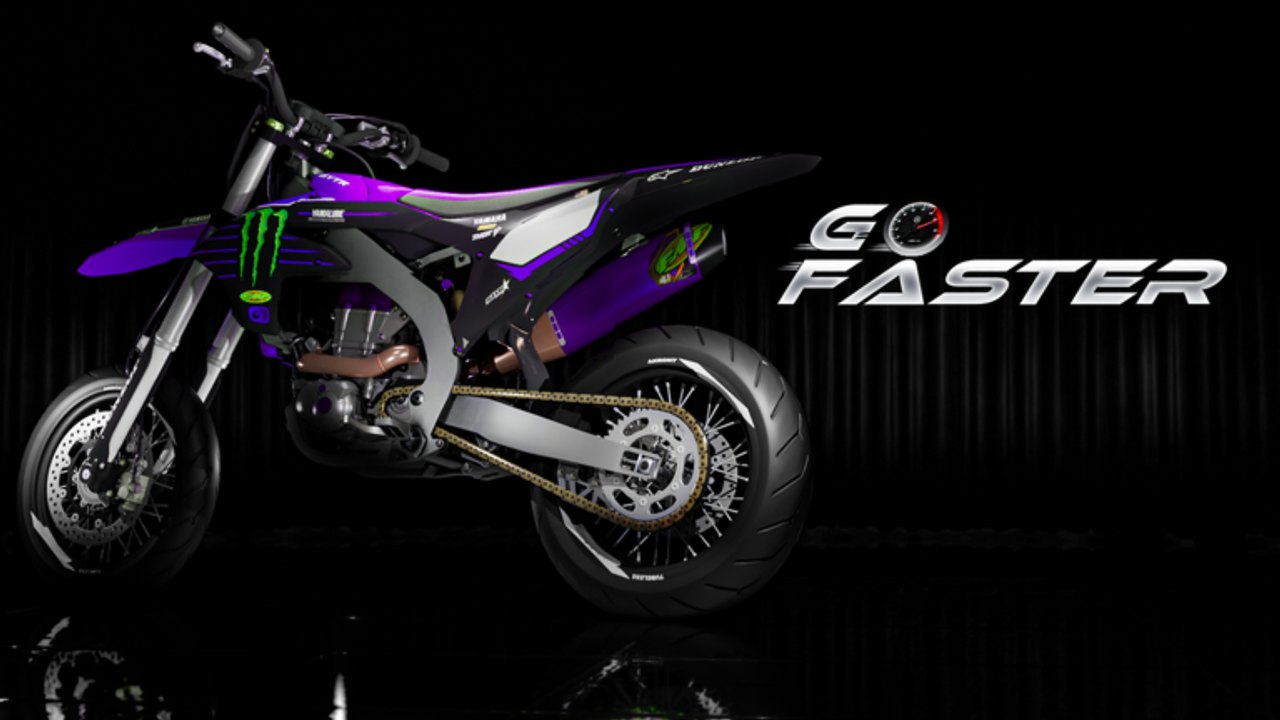
Version 0.3 changed how you aim parts and look around. If older tutorials mention E and Q for camera adjust, ignore those steps — they were removed and replaced with scroll controls. This page is the live control reference for building and riding.
Camera and build aiming
| Action | Typical input | Notes |
|---|---|---|
| Orbit / adjust build camera | Mouse scroll / trackpad scroll | Replaces E/Q |
| Select part | Left click | Aim carefully at manifolds |
| Drag to snap | Hold and drag | Required for crank/cases |
| Interact / detach | F (PC common) | Exhaust remove |
| Open customize | HUD Customize button | Works without ownership in 0.3 |
Mobile players should use pinch/drag equivalents and the on-screen interact button. Exact glyphs vary with Roblox touch UI.
Starting the bike
- Finish assembly so no critical parts are missing.
- Use kickstart — 0.3 added working animation and sound.
- Wait for the engagement audio before throttling hard.
- Glance at the speedometer cluster (new functions in 0.3).
If kickstart fails repeatedly, reseat ignition before blaming the throttle. Full ritual, ignition reseat checklist, and video context: How to Kickstart.
Riding basics
- Ease into throttle on grass; slippery grass was fixed, but traction still varies.
- Listen for scraping sounds — new audio cues warn about geometry or lean issues.
- Watch temperature. Heat is a first-class system now.
- After crashes, inspect part durability before another full-send run.
Deep heat pacing, scrape telemetry, and repair budgets: Temperature and Durability.
Workbench control tips
- Scroll to a dead-on angle before claiming a part “will not snap”.
- Place, then drag — many pieces need both actions.
- When detaching exhaust, match angle first (see Customize Bike).
- Do not spam inputs during kickstart animation.
Accessibility / comfort
- Lower graphic clutter if part edges are hard to see while snapping.
- Use headphones for kickstart and scrape cues.
- Rebind Roblox-level keys only if you understand they may not override custom experience binds.
Practice routine
- Five minutes of camera scroll drills on the bench.
- One full engine assemble using Build Engine.
- Ten kickstart attempts focusing on timing.
- A slow lot loop watching temperature.
- One exhaust remove/reattach cycle.
Mastering controls saves more cash than any early deco kit.
Mobile and controller notes
Roblox touch UI still maps to the same verbs: orbit/adjust, select, drag-to-snap, interact, kickstart. On phones, pinch slowly when aiming manifolds — fast pinch often overshoots the exhaust flange and makes players think the part is broken. Controller users should bind a comfortable shoulder button for interact and keep stick sensitivity moderate so crank seating stays precise.
If an on-screen prompt disagrees with an old TikTok, trust the Version 0.3 HUD. Patch notes explicitly removed E/Q; creators who still flash those keys are recording outdated builds.
Session plan when controls feel wrong
- Rejoin the official place and confirm you are on Version 0.3 [BETA].
- Open Customize without a bike to practice scroll aiming only.
- Spawn a used frame and repeat one exhaust detach/attach cycle from Customize Bike.
- Kickstart three times without touching throttle until the animation and sound finish.
- Only then attempt a heat-managed lot loop.
Common input mistakes
| Mistake | Result | Better habit |
|---|---|---|
| Spamming kickstart | Missed engagement audio | One clean kick, wait |
| Clicking heat shields | “Cannot remove exhaust” | Aim the pipe body |
| Racing camera while dragging | Ghost snaps | Stop scroll, then drag |
| Ignoring scrape cues | Durability loss | Ease lean / recheck tip |
Related pages
Frequently Asked Questions
Quick answers for GoFaster riders and builders.
What replaced E and Q in GoFaster?
Scroll-based camera / adjust controls. Old E/Q tutorials are outdated for Version 0.3.
How do I remove parts?
Select the part at the correct angle and press the interact bind (often F on PC).
Why is kickstart important?
0.3 made kickstart a real animated system with sound. It confirms the engine is actually engaging. See the Kickstart guide for reseat steps when fires fail.
Do mobile players get different binds?
Touch uses on-screen equivalents for scroll, select, drag, and interact. The verbs match PC even when glyphs differ.